 calterix

When counting days until a date, a standard countdown does not count today and does count the event day. The answer is the end date minus the start date: Monday to Friday of the same week is 4 days, and counting both ends gives 5.
From November 6, 2026 to December 25, 2026 the subtraction gives 49 days, or 50 if both days count. Countdowns and "days until" questions use the subtraction. Durations such as "a 5-day event" count both ends. The countdown calculator at Calterix follows the subtraction rule.
The short answer: exclusive vs inclusive counting
Two methods exist, and each answers a different question.
- Exclusive counting
- The plain difference between two dates. Today is left out and the event day is counted. From the 6th to the 10th is 4 days.
- Inclusive counting
- Counts the start date and the end date. It is the subtraction plus 1. From the 6th to the 10th is 5 days.
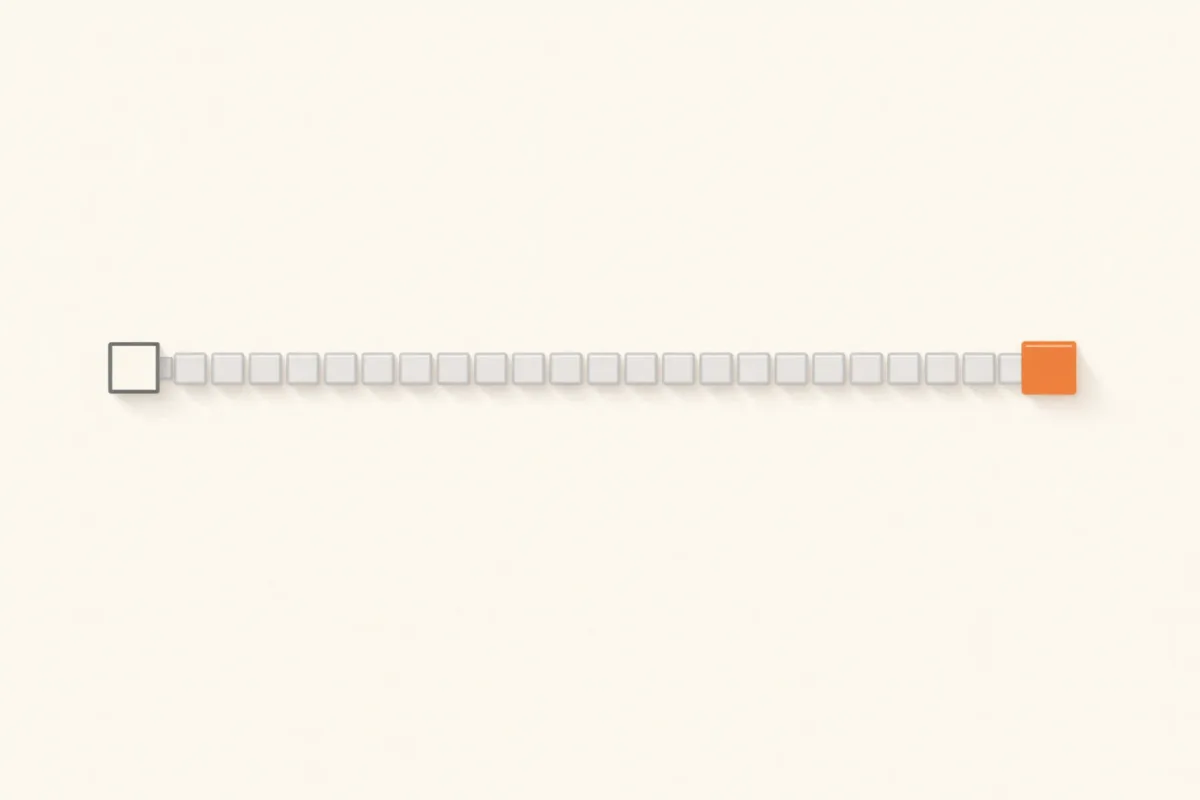
On the day of the event, a countdown reads 0. A 7-day countdown therefore ends exactly 7 days after today, on day 7, with today as day 0.
| Situation | Rule | Example |
|---|---|---|
| Countdown to an event | Subtract, no extra day | Nov 18 to Dec 25, 2026: 37 days |
| Age in days | Subtract, no extra day | Born on the 1st, today the 11th: 10 days old |
| Event length | Subtract and add 1 | Monday to Friday: 5 days |
| Hotel nights | Subtract | Check in Friday, out Sunday: 2 nights |
| Medication course | Subtract and add 1 if the first dose is taken on day one | Dose on the 1st through the 7th: 7 days |
How to count the days until a date by hand
Split the interval into pieces you already know: the rest of the start month, the full months in between, and the day number of the end date.
- Days left in the start month: month length minus the start day. For November 6, that is 30 − 6 = 24.
- Full months in between: add the length of each complete month between the two dates. If the dates are in neighboring months, this step is 0.
- Days in the end month: use the day number of the end date. For December 25, add 25.
- Add 1 only if both ends count. For a countdown, skip this step.
days = (start month length − start day) + full months + end day
inclusive days = days + 1
If both dates fall in the same month, only a subtraction is left: from the 3rd to the 21st is 21 − 3 = 18 days.
Worked example: November 6 to Christmas
Take <time datetime="2026-11-06">11/06/2026</time> as the start and <time datetime="2026-12-25">12/25/2026</time> as the end. November has 30 days, so 30 − 6 = 24 days remain in the month. December adds 25. The total is 24 + 25 = 49 days. With both days counted, it is 50.
Two more checks with the same method. From <time datetime="2026-11-18">11/18/2026</time> to December 25, the rest of November is 30 − 18 = 12, plus 25, which gives 37 days. To <time datetime="2027-01-01">01/01/2027</time>, it is 12 + 31 + 1 = 44 days.
Thanksgiving 2026 falls on Thursday, <time datetime="2026-11-26">November 26</time>, the fourth Thursday of the month. From November 18 that is 12 − 4 = 8 days away... more simply, 26 − 18 = 8 days.
Days vs nights: trips and hotel stays
A hotel charges by the night, and nights follow the subtraction. Check in on Friday and check out on Sunday: 2 nights. The calendar days touched are 3, because Friday, Saturday and Sunday all appear on the stay.
A trip described as "3 days" is often 2 nights, and a trip described as "2 nights" touches 3 calendar days. When a price or a limit depends on the number, check which unit it uses.
When both ends count: events, courses and deadlines
Add 1 when each day of the period is a day of use. A conference that runs Monday to Friday lasts 5 days. A course that starts on the 1st and ends on the 14th has 14 days of class dates. A medication taken from the 1st through the 7th, starting with a dose on the first day, is 7 days.
To find the date that ends a period, use the add days to a date tool. To count a person's age in days, the age calculator applies the same subtraction.
Counting days in a spreadsheet
Spreadsheets store dates as serial numbers, so subtracting one date cell from another returns the exclusive count. With the start date in A1 and the end date in B1, both formatted as dates:
- <code>=B1-A1</code> returns the subtraction count, with today left out.
- <code>=B1-A1+1</code> returns the inclusive count, with both ends counted.
If the result looks like a date instead of a number, change the cell format to a plain number. The days between dates calculator does the same subtraction without a sheet.
Month lengths and leap years: the usual slip
Most wrong counts come from a wrong month length. Seven months have 31 days, four have 30, and February has 28 days, or 29 in a leap year. A leap year is divisible by 4, except years divisible by 100 that are not divisible by 400. 2028 is the next leap year, so February 2028 has 29 days.
| Month | Days |
|---|---|
| January | 31 |
| February | 28 (29 in leap years) |
| March | 31 |
| April | 30 |
| May | 31 |
| June | 30 |
| July | 31 |
| August | 31 |
| September | 30 |
| October | 31 |
| November | 30 |
| December | 31 |
The extra day only matters when February 29 sits inside the interval. A count from November 6, 2026 to December 25, 2026 never touches February, so it stays at 49 days.